Built for the field

Your complete companion for Parks on the Air.

From discovering nearby parks to logging contacts and tracking live spots — POTA on the GO keeps your entire activation workflow in one app, so you can focus on making contacts, not juggling tools.

Available on Android and iOS.
Core Features

Everything you need, from setup to log upload

Designed around the real POTA operating rhythm — no dashboard clutter, only tools that help you move from planning to valid contacts.

Park Discovery & Navigation

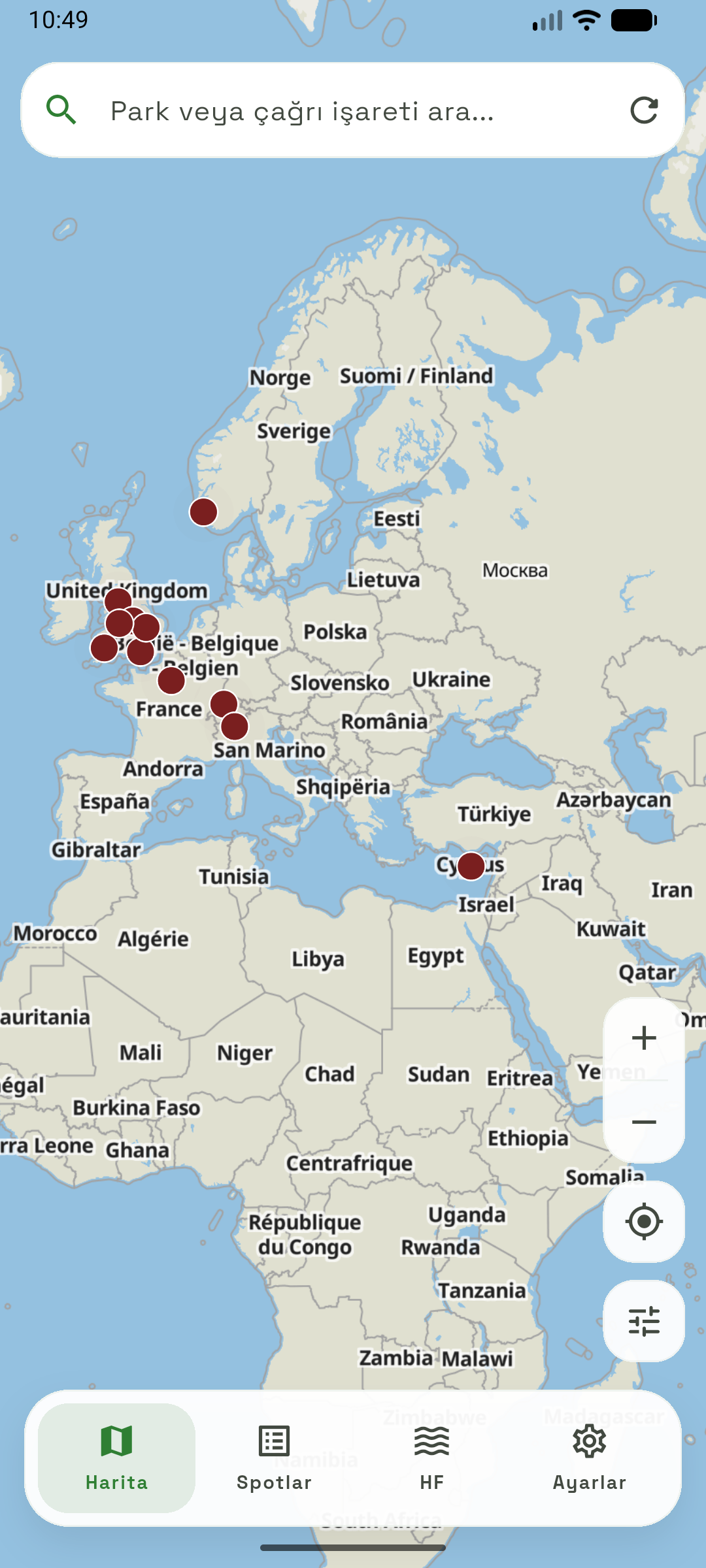
Browse parks on an interactive map, inspect references, and plan your next activation — all from one screen. Filter by distance, location, and more.

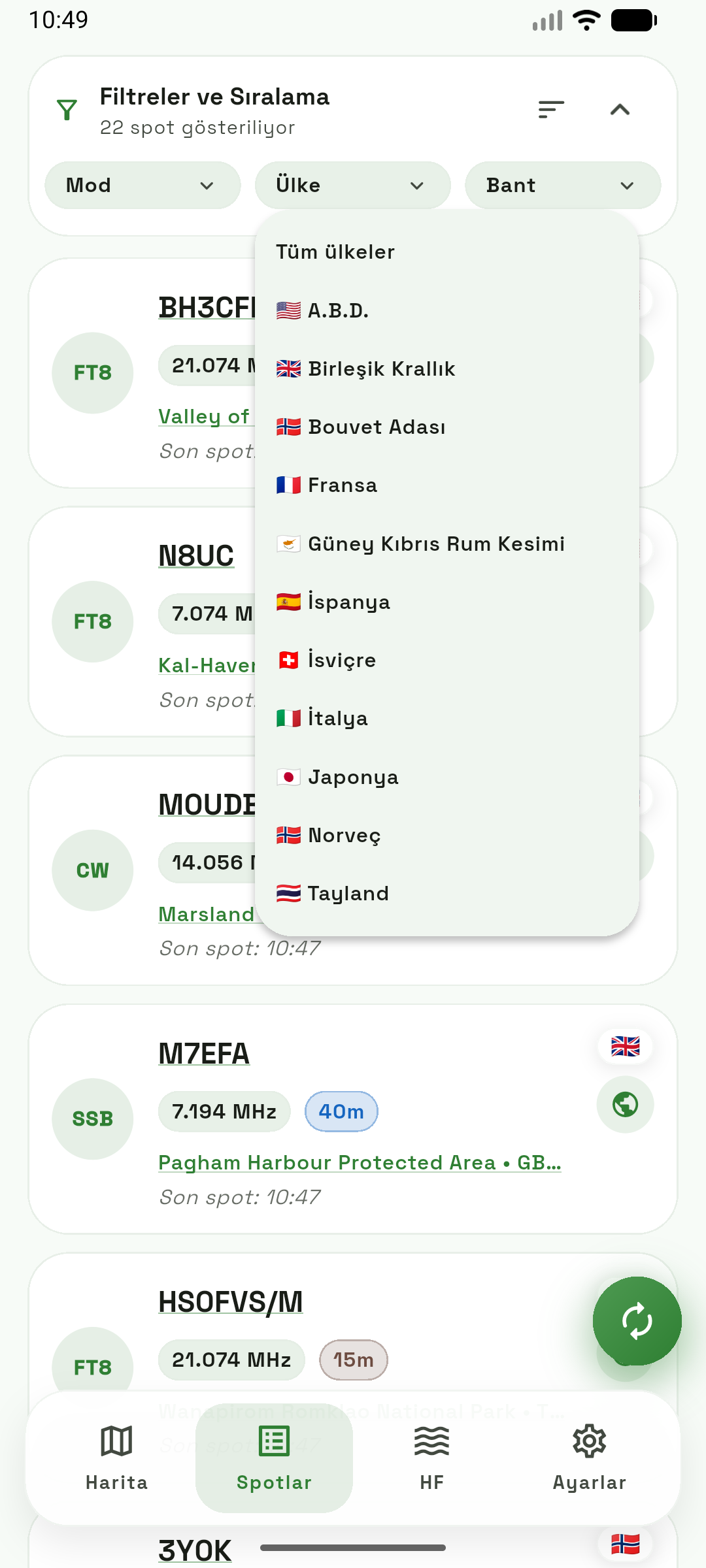
Live Spot Monitoring

See who's on the air right now. Track active operators and jump on opportunities without switching between multiple apps or websites.

Activation Logging

Log contacts in the field with a streamlined interface. Quick entry, auto-fill, and easy export keep your workflow smooth from first QSO to upload.

Watchlist Alerts

Follow specific parks and callsigns. Get notified when a target operator goes live or a park you want to hunt gets activated.

Free to Use, Upgrade When Ready

The core features are free. Remove ads with a one-time purchase — including full restore support if you switch devices. No subscriptions, no pressure.

Screenshots

Real screens from the latest build

These are actual production screenshots — what you see is what you get.

POTA on the GO map view showing park pins and navigation controls
Interactive map with park markers and field controls
POTA on the GO live spots stream
Live spot feed for real-time activation tracking
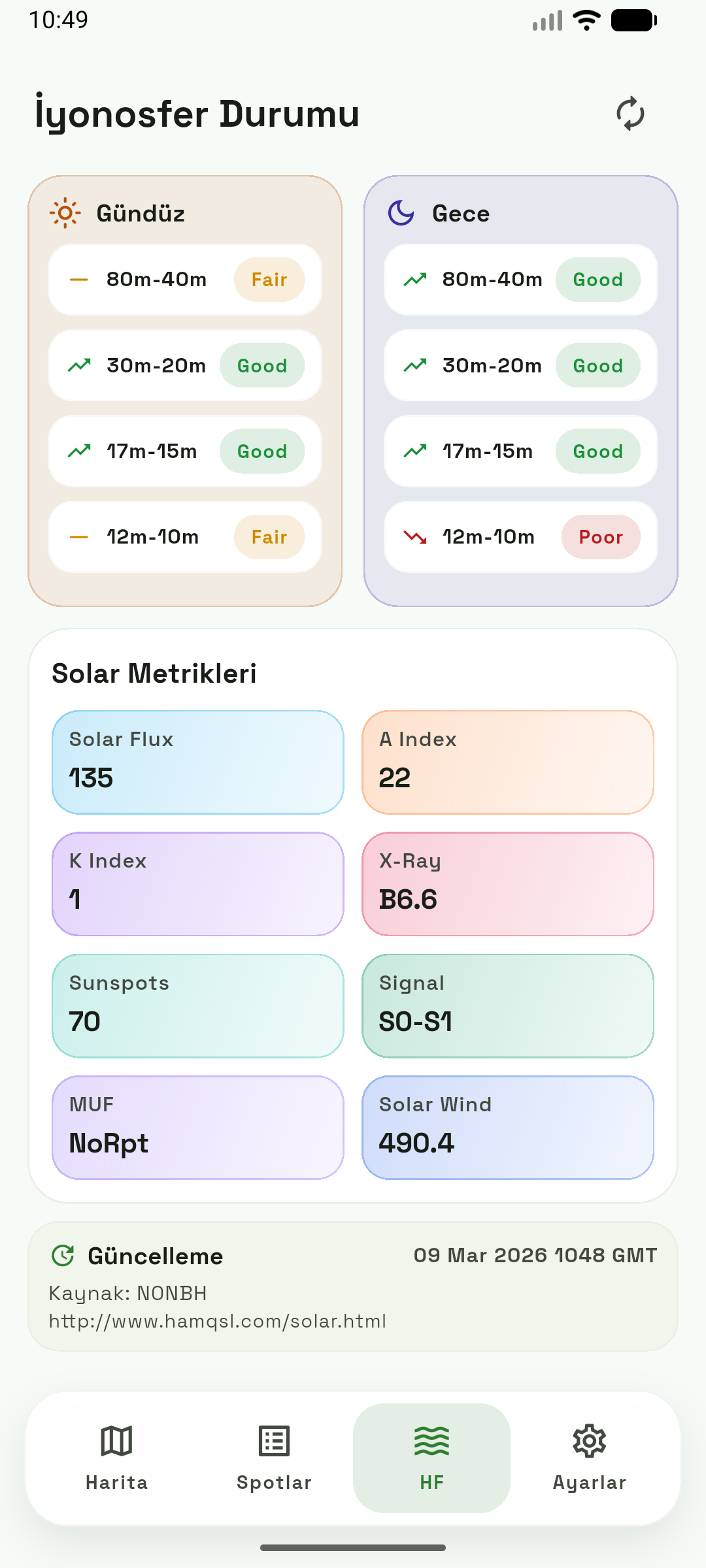
POTA on the GO HF conditions overview
HF propagation conditions at a glance

How It Works

Three steps

Keep your entire activation flow in one place — plan, operate, and close out without the usual post-field headache.

  1. 1

    Find your park

    Use the map or search to discover parks nearby. Check references, plan your route, and pick your operating window.

  2. 2

    Operate with live data

    Keep spots, propagation data, and watchlist alerts visible while you run the station. Adjust your strategy in real time.

  3. 3

    Log & share your contacts

    Finish your contact records, export your logs, and close out the activation cleanly — no more post-trip data entry chaos.